If you are applying for a job, a passport, an arms license, or simply need proof of good conduct for official purposes in Bihar, you will likely need a Police Verification Certificate, also known as a Character Certificate (Achran Praman Patra). The good news is that this entire process can now be completed online through Bihar's official government portal, without needing to visit any government office in person for the initial application.
This certificate is also increasingly relevant for households in Patna who want extra confidence before hiring a maid, cook, or domestic helper — beyond just collecting an Aadhaar card copy, many families and apartment societies now ask for, or help facilitate, a police verification certificate for the helper as well. This guide walks through the complete process, step by step, exactly as required on the official RTPS portal, whether you're applying for yourself or guiding a domestic helper through the process.
What Is a Police Verification Certificate?
A Police Verification Certificate, officially called a Conduct Certificate, is an official document issued by the Bihar Police confirming that an applicant has no criminal record or pending legal issues. It is commonly required for:
- •Passport applications
- •Arms license applications
- •Government jobs (temporary or contractual positions)
- •Tenders, contracts, or work with government departments, corporations, or local bodies
- •Bank loans and government financial assistance schemes
- •Petrol pump, gas agency, and similar government-issued business licenses
- •Any other purpose where a competent authority requires police verification This certificate is also increasingly being requested by housing societies and families before allowing domestic staff, tenants, or new employees into their homes — making it relevant well beyond government formalities.
Where to Apply for Police Verification in Bihar
All applications are submitted online through the official Bihar government portal under the Right to Public Services (Lok Sevaon ka Adhikar) scheme:
Portal: serviceonline.bihar.gov.in
This is the official RTPS (Right to Public Services) portal that handles a wide range of government services in Bihar, including the Character Certificate application.
Step-by-Step Process to Apply Online
Step 1: Visit the Portal
Go to serviceonline.bihar.gov.in and look for the "Apply Online" option.
Step 2: Select the Right Category
Under the Right to Public Services section, scroll down to find Home Department (Grih Vibhag). Under this category, select "Application for Conduct Certificate" (Achran Praman Patra ke liye Aavedan).
Step 3: Choose Certificate Language
Select whether you want the certificate issued in English or Hindi.
Step 4: Enter Personal Details
You will need to fill in:
- •Gender — Male or Female
- •Salutation (if applicable) — Shri, Shrimati, etc., or none
- •Applicant's Name — entering this in English will automatically generate the Hindi version
- •Father's Name — same auto-translation applies
- •Mother's Name — same auto-translation applies
- •Husband's Name (for married women, if applicable) — type in English, the Hindi version auto-fills with a space
Step 5: Contact Details
Enter your mobile number and email ID. These are important — an OTP will be sent to your mobile number for verification, and your final certificate will be delivered via email.
Step 6: Permanent Address Details
Fill in your permanent address details:
- •State (Bihar will be pre-selected)
- •District
- •Subdivision (auto-populates based on district)
- •Block (auto-populates based on subdivision)
- •Village or Mohalla
- •Post Office (Hindi version auto-fills)
- •Ward Number
- •PIN Code
- •Gram Panchayat / Nagar Nigam / Nagar Parishad / Nagar Panchayat — select whichever applies to your area
Step 7: Present Address
If your current address is the same as your permanent address, simply tick the matching checkbox and all details will auto-populate. Otherwise, fill in your present address separately.
Step 8: Local Body Type
Specify your local body type — Gram Panchayat, Nagar Nigam, Nagar Parishad, or Nagar Panchayat — based on your present address.
Step 9: Upload Photograph
Upload a passport-sized photograph of the applicant.
Step 10: Select Occupation
Choose your occupation category — Student, Government Service, Private Service, Business, Farmer, Housewife, or Other.
Step 11: Select Purpose of Application
Choose why you need this certificate:
- •Passport application
- •Arms license
- •Government licenses (petrol pump, gas agency, and similar)
- •Contract or tender work with government departments, corporations, or local bodies
- •Bank loans or government financial assistance
- •Temporary or contractual government job applications
- •Any other government assistance requiring police verification
- •Other — if your purpose doesn't match the above, select this and manually specify your reason
Step 12: Domicile Details (Last 2 Years)
Provide your residential history for the past two years. Select whether the address is current, previous, or temporary, then choose your district and police station. Enter the address along with the duration (from year to year) you resided there. You can add multiple addresses using the plus (+) option if needed.
Step 13: Office Auto-Assignment
Based on the details you've entered, the application will typically auto-assign to the correct Superintendent of Police (SP) office. If it doesn't, you can manually select the location, department, and state.
Step 14: Complete the CAPTCHA and Submit
Fill in the CAPTCHA verification and click submit.
Reviewing Your Application Before Final Submission
Before final submission, the portal will show you a review screen. Carefully check:
- •Salutation and gender
- •Applicant's full name
- •Father's and mother's names
- •Mobile number (an OTP is sent here for verification)
- •Email ID (your certificate will be delivered here)
- •Complete address details Make sure everything matches your actual documents exactly before proceeding.
Uploading Required Documents
After review, you will need to attach one valid identity proof. Accepted documents include:
- •Aadhaar Card
- •PAN Card
- •Driving License
- •Passport
- •Government Identity Card
- •Service Identity Card
- •Bank Passbook
- •Photograph Important note for Aadhaar Card uploads: Since Aadhaar has two sides (front and back), you must combine both into a single photocopy or scan, then convert it into one PDF file before uploading.
File Size Requirement
All uploaded documents must be under 200 KB. If your file exceeds this limit, the portal will not accept the upload.
Quick fix: Search "PDF KB resize" on Google to find a free online PDF compression tool. Upload your PDF, specify your target size (for example, 195 KB), and download the compressed version before uploading it to the portal.
Once your document is ready, click "Choose File", select your compressed document, and click "Save Annexure." Your uploaded document will then appear under the documents section for confirmation.
Final Submission and Acknowledgment
After saving your annexure, click the Submit button. You will receive an acknowledgment confirming:
- •Service type: Online
- •Service name: Issuance of Conduct Certificate
- •Designated public servant: Superintendent of Police
- •Application number
- •Applicant's name and father's name
- •All other submitted details You can click "Export PDF" to download a complete acknowledgment copy for your records, including your application date and the expected date by which your certificate should be ready.
What Happens After You Submit
The process typically takes around 14 working days. During this period, one of the following usually happens:
- •You may be called to the local police station — bringing your original documents, including your Aadhaar card, for verification
- •Police may visit your residence directly for verification
- •In some cases, confirmation from a local Mukhiya or Ward Council member may also be requested as part of the process In most cases, however, your Aadhaar card alone is sufficient for the police station verification step.
Why This Matters When Hiring a Maid, Cook, or Domestic Helper in Patna
While this certificate is primarily designed for government and official purposes, more families in Patna are now treating it as an additional safeguard when hiring a maid, cook, babysitter, or live-in helper. An Aadhaar card confirms identity, but it doesn't confirm conduct history the way a police verification certificate does.
If you are hiring domestic help — whether a part-time cleaning maid, a full-time cook, or a live-in helper — consider asking whether a police verification certificate is available, or guide your helper through this same online process. Many apartment societies and gated communities in areas like Boring Road, Kankarbagh, and Patliputra Colony already request this documentation before issuing a gate pass for domestic staff.
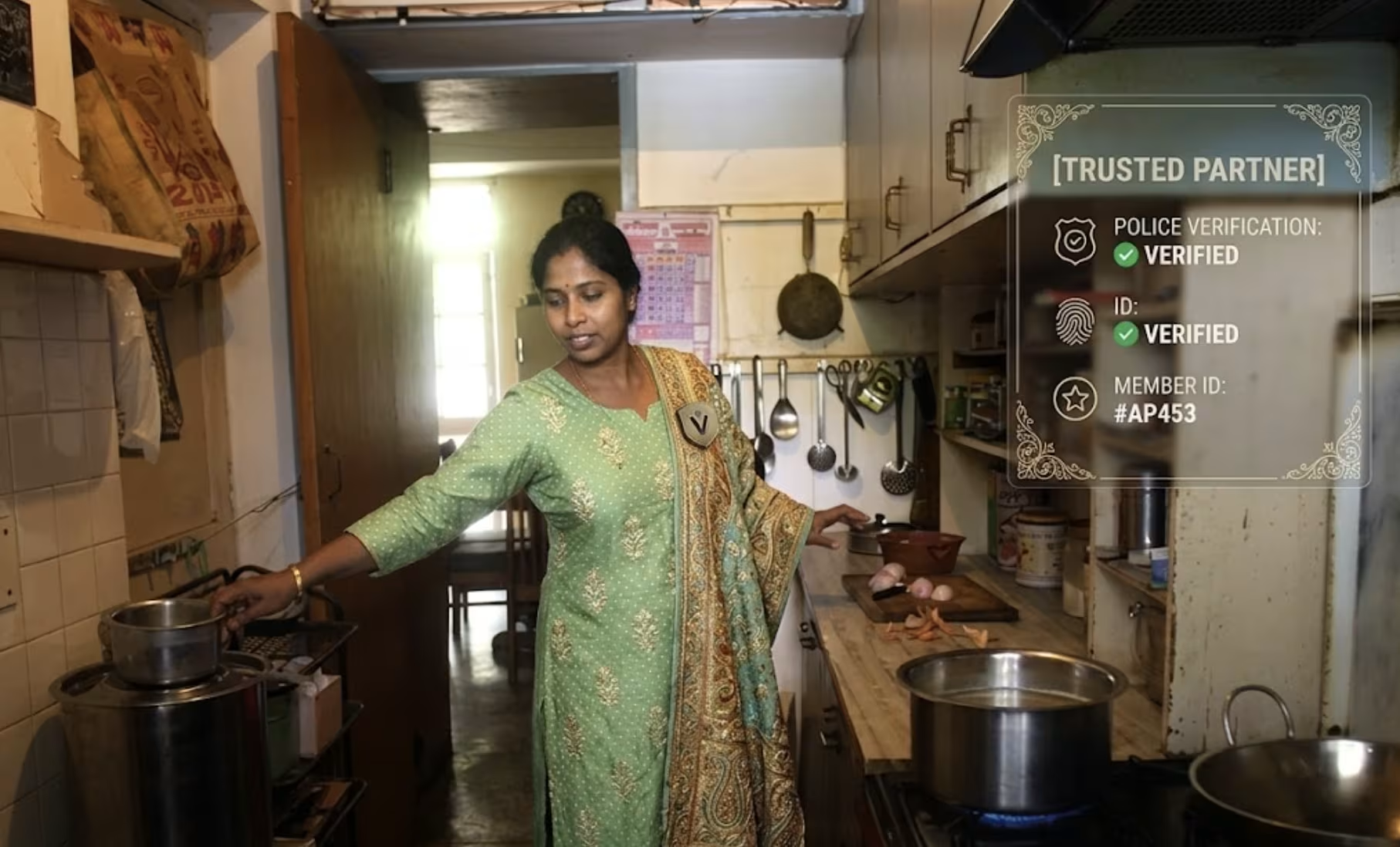
At Don't Cook Don't Clean, every maid, cook, and household helper we place in Patna goes through ID verification and background reference checks before placement. We also encourage families and helpers alike to consider a police verification certificate as a further step — particularly useful for live-in arrangements or households with children and elderly members.
If you're looking for verified, background-checked domestic help in Patna, submit your requirement here and we'll respond within 24 hours.
You can also call or WhatsApp us directly at +91-88771-94682.